

Zone System in Practice: Mapping Lightroom and Photoshop to the Zones
Lesson 3/4 of the Zone System Series

In Lesson 1 we talked about how Ansel Adams changed the way photographers think about light. Not as something that happens to your subject, but as something you read, measure, and translate into a final image before you ever press the shutter.
In Lesson 2 we looked at your histogram and showed you it is not a technical graph. It is a Zone System map. Every spike and valley corresponds to a zone, from pure black on the left to pure white on the right, with every gradation of grey in between.
Now we put it to work.
This lesson is practical.
No more theory. We are taking the Zone System into Lightroom and Photoshop, and by the end of it you will have a repeatable editing workflow built on zones rather than guesswork. Keep this post open while you edit. Refer back to it. Use it as a reference until the thinking becomes automatic.
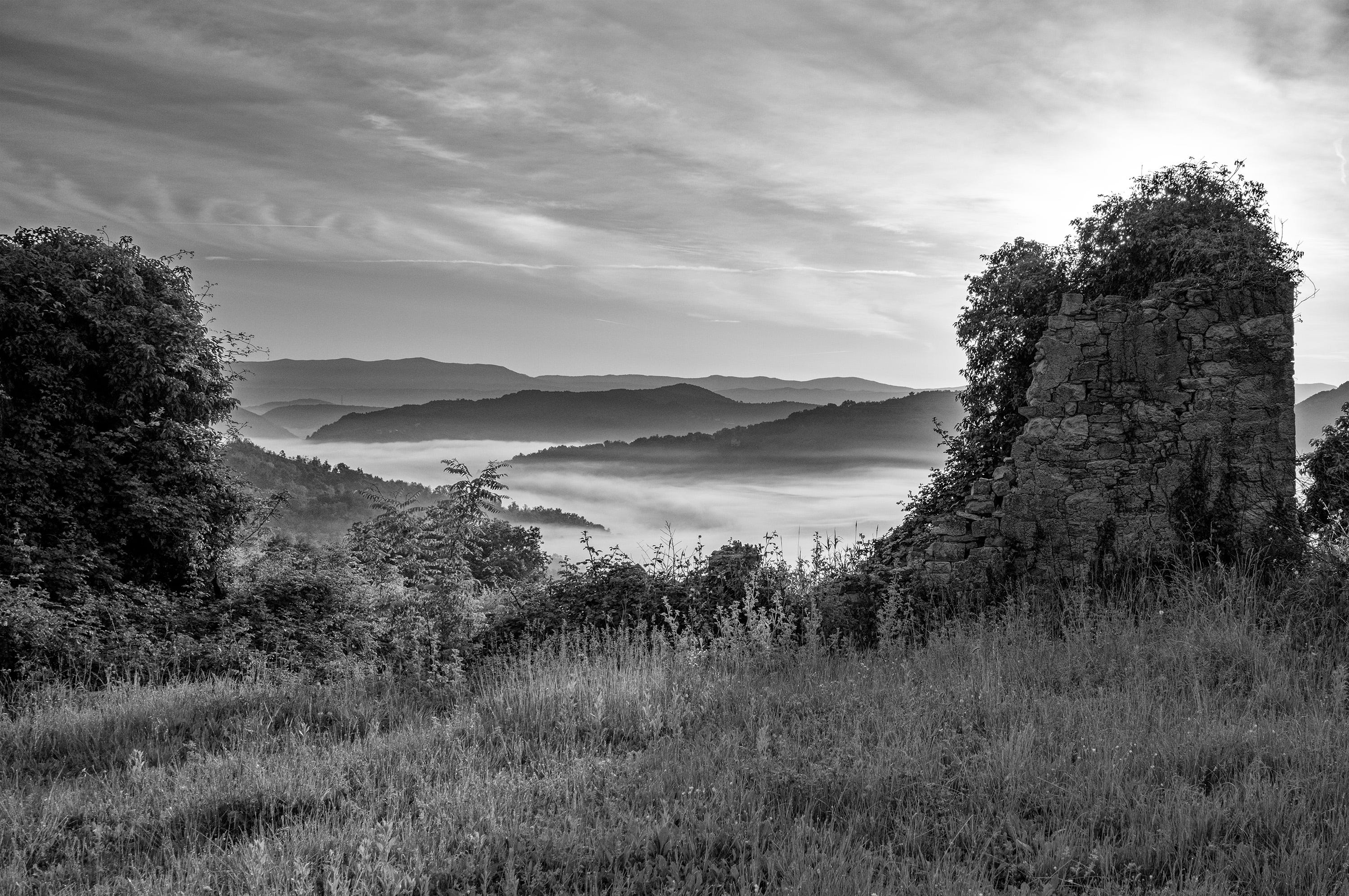
Why most editing is reactive
Most photographers edit by feel. They open an image, drag the exposure slider until it looks about right, push the shadows, pull the highlights, add some contrast, and call it done. The result is often fine. Occasionally it is good. But it is almost never intentional.
There is nothing wrong with intuitive editing. Experienced eyes develop good instincts. But intuition without a framework means you are always chasing the image rather than leading it. You end up making the same adjustments differently every time, unable to explain why one edit worked and another did not, unable to repeat your best results consistently.
The Zone System gives you a different starting point. Instead of reacting to what you see on screen, you decide in advance what each tonal range should do in the final image. You assign a zone to your shadows. You assign a zone to your midtones. You decide where your highlights land. Then you use the tools to execute that decision.
This is what Adams called pre-visualization. In the darkroom he translated it through his choice of paper grade, chemical dilution, and development time. In Lightroom and Photoshop you translate it through sliders, curves, and masks. The principle is identical. The tools are just different.
The Zone System in thirty seconds
Before we go into the software, a quick recap for those joining from this lesson. Adams divided the tonal scale into eleven zones, numbered 0 to X using Roman numerals.
Zone 0 is pure black. No detail, no texture. An empty shadow. Zone I is near-black. Still no real detail, but a trace of separation from pure black. Zone II is the first zone where texture begins to appear. Deep shadows with just enough detail to read as a surface. Zone III is dark with clear texture. Dark clothing, shadow sides of faces, bark on a tree. Zone IV is dark midtone. The shadow side of a sunlit face. Dark foliage. Zone V is middle grey. The standard metering reference. An 18% grey card. Zone VI is light midtone. Average Caucasian skin in open shade. Light foliage. Zone VII is light with full texture. Pale skin in sunlight. Bright but detailed surfaces. Zone VIII is very light, texture just holding. White fabric, bright sky with cloud detail. Zone IX is near-white. Texture almost gone. Specular highlights beginning. Zone X is pure white. No detail. The sun itself. A bare bulb.
Everything between zones II and VIII is where detail lives. Your job as editor is to place your most important tones in the zones where they will read best. A face in portrait light belongs around zone VI. A dark suit with texture belongs around zone III. A white wall that still shows paint belongs around zone VIII. These are not rules. They are reference points you work from.
Everything above is free. What follows is the practical core of this lesson: the full editing workflow, real image scenarios, Curves mechanics, luminosity masks, and the common mistakes that quietly ruin zone-based edits. This is the part you open Lightroom with.
If you are not a paid subscriber yet, this is a good moment.
